-
What Affects Mobile Internet Speed Most? A Practical Troubleshooting Guide
What Affects Mobile Internet Speed Most? A Practical Troubleshooting Guide
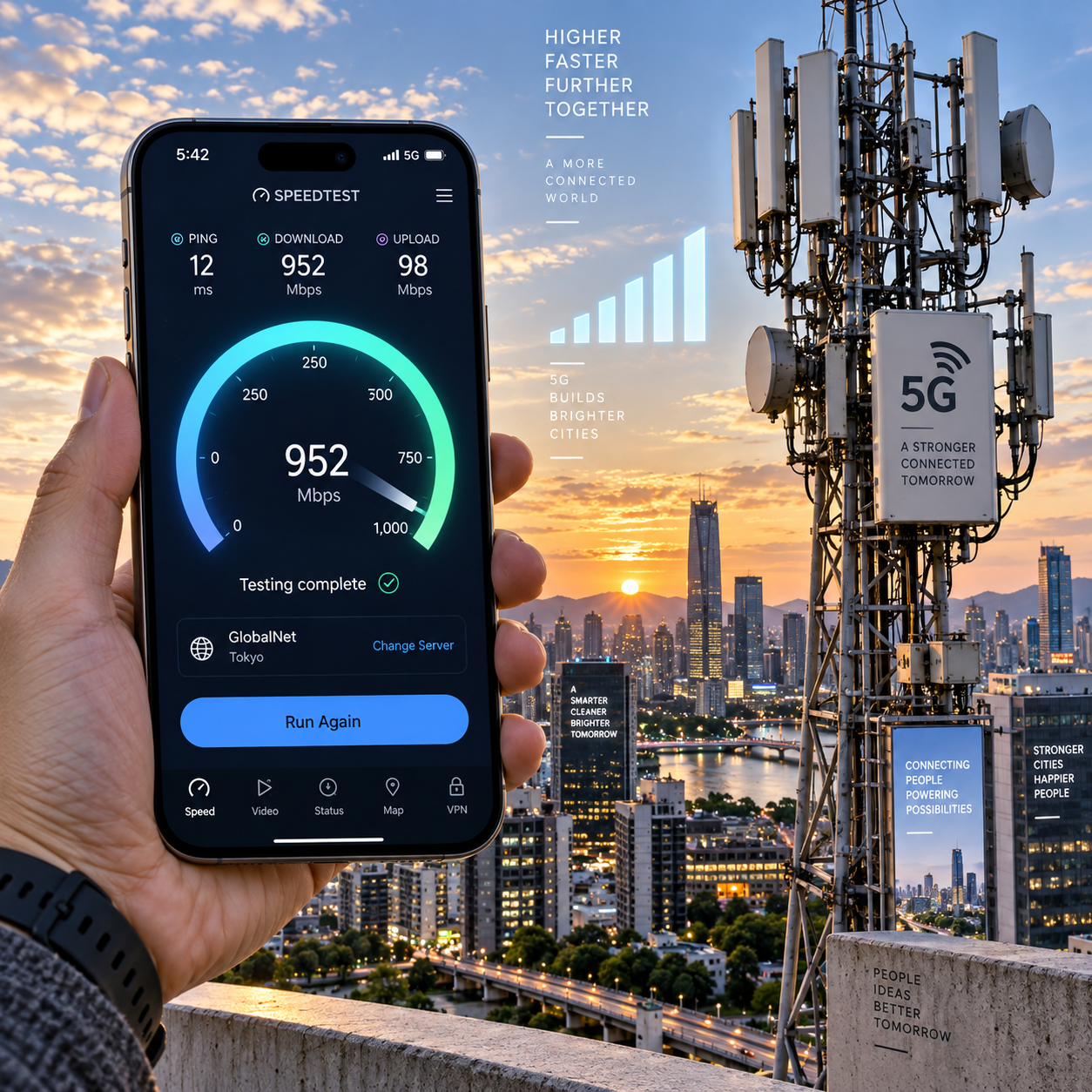
When mobile internet feels slow, the cause may be outside your phone. Signal strength, network congestion, carrier coverage, 4G LTE or 5G availability, device hardware, and data-plan restrictions can all reduce performance. The dominant factor changes with your location, time of day, phone model, and network conditions.
For a personal tech project, treat slow mobile data like a small field investigation: record the location, time, signal, network type, speed-test results, and changes you make. That approach is more reliable than assuming that a low number of signal bars explains everything.
The Biggest Factors Behind Mobile Internet Speed
Network congestion and signal quality usually affect mobile internet speed most, followed by the available network technology, carrier coverage, device capability, and plan restrictions. A fast phone cannot overcome an overloaded cell site, while a strong signal cannot help if your plan has been throttled.
Mobile performance has four separate measurements:
- Download speed: how quickly data reaches your phone, which matters for streaming, browsing, and downloads.
- Upload speed: how quickly your phone sends data, affecting photo backups, video calls, and live broadcasts.
- Latency: the delay before a response arrives. Lower latency helps gaming, calls, and interactive apps.
- Stability: whether the connection remains usable without sudden drops or repeated retransmissions.
These measurements can disagree. A connection may show high download bandwidth but poor latency during congestion. It may also have reasonable signal bars yet suffer from interference or a crowded tower.
As a rough diagnostic ranking, check the network and location first, then the phone and plan. This order prevents wasted effort: changing a setting will rarely fix a weak coverage area or capacity problem.
Signal Strength, Interference, and Your Location
Signal strength affects mobile internet speed by influencing how efficiently the phone communicates with a cell tower, but signal bars alone do not reveal the full quality of that connection. Distance, obstacles, radio interference, and indoor materials all matter.
Cell tower distance is an obvious factor. As the phone moves farther from a suitable tower, the received signal generally weakens. Hills, dense trees, concrete, metal framing, coated glass, and underground rooms can reduce or scatter radio signals. A phone beside a window may perform much better than the same phone in an interior room.
Signal quality also depends on interference. Several nearby networks may use overlapping or adjacent radio resources, and reflections from buildings can create an unstable connection. The result may be inconsistent speeds, dropped packets, or high latency even when the signal indicator looks acceptable.
Try a simple location comparison:
- Test once indoors where you normally use mobile data.
- Repeat near a window, outdoors, or on a higher floor.
- Keep the phone still for each test and note the network type.
A large improvement outdoors points toward building loss or local coverage. A small improvement suggests that congestion, device limits, or the plan may be more important. Moving only 20 to 50 metres can sometimes place the phone in a better radio path, but there is no universal distance that guarantees a faster result.
Technical signal readings such as RSRP and SINR can provide more detail than bars, if your phone exposes them in its field-test information. They are useful for comparisons, not as a single pass-or-fail score.
Network Congestion and Carrier Coverage
Network congestion occurs when many users compete for the same cell-site capacity, while carrier coverage determines whether a strong, usable network is available at your location. Congestion can slow mobile data even when the phone reports excellent signal strength.
Busy periods often include commuter hours, lunch breaks, concerts, sports venues, festivals, shopping areas, and large public gatherings. In these situations, the nearby cell tower must divide its available bandwidth among many connected devices. Download speed may fall sharply, latency may rise, and video may buffer.
Coverage maps are useful for identifying broad service areas, but they are not guarantees for a particular room, street, or building. A map may show coverage while terrain, tower placement, frequency bands, or capacity produce a poor real-world result. Compare coverage information with your own observations.
Time is one of the best diagnostic controls. Run the same speed test in the same place during a quiet period and again when the network is busy. If performance changes dramatically while the phone and location remain constant, congestion is a stronger explanation than hardware.
Carrier comparisons also need care. A different carrier may use a better-positioned tower in your neighborhood, yet switching can introduce weaker indoor coverage elsewhere. Choosing a carrier for peak speed may mean accepting less reliable service at home or during travel. Test with a prepaid SIM or trial option when available before making a long-term commitment.
4G, 5G, Frequency Bands, and Device Compatibility
4G LTE and 5G affect speed through their capacity, coverage, and supported frequency bands, but 5G is not automatically faster in every location. The phone, carrier, spectrum, and network configuration must work together.
4G LTE remains capable of handling browsing, video, navigation, and many everyday tasks. 5G can offer higher bandwidth and lower latency in suitable conditions, particularly where the carrier has deployed ample capacity. However, some 5G signals travel less effectively through walls or over long distances, while low-band 5G may prioritize coverage over maximum speed.
Frequency bands create important differences:
- Lower-frequency bands generally travel farther and penetrate buildings better, but available capacity may be limited.
- Mid-band frequencies often provide a practical balance between coverage and speed.
- Higher-frequency bands can deliver very high capacity over short distances, with greater sensitivity to obstacles.
Your phone’s modem and antennas must support the bands used by the carrier. An imported, older, or budget device may connect to the network but miss important local bands or carrier aggregation combinations. The result can be slower performance than a newer phone on the same plan.
Do not judge a network by the 5G icon alone. Compare 4G LTE and 5G in the same place, at the same time, using several tests. Some phones allow you to select a preferred network mode. Locking a device to 4G can improve consistency in a weak 5G area, but it may reduce peak speed where 5G is strong.
Phone Hardware, SIM, Settings, and Background Usage
The phone can limit mobile internet speed through its modem, antenna design, software, SIM, or background activity. These causes are less likely than congestion in some situations, but they are easy to investigate and often reversible.
A newer phone may support more frequency bands, better carrier aggregation, newer modem features, and improved antenna tuning. Case design can occasionally matter if it contains metal or interferes with an already marginal antenna position, although most ordinary non-metal cases have little measurable effect. Remove the case briefly only as a controlled test.
Check these device-side issues:
- Install current operating-system and carrier-configuration updates.
- Restart the phone after a network change or software update.
- Confirm that mobile data is enabled for the app you are testing.
- Review data-saver, low-data, VPN, and private DNS settings.
- Inspect background usage from cloud backups, app updates, photo syncing, or video uploads.
- Reseat or replace an old SIM if the carrier recommends it.
A SIM rarely makes a modern phone slower by itself, but an outdated SIM profile, provisioning error, or account issue can prevent expected network access. Your data plan may also impose a high-speed allowance, deprioritization, or explicit throttling after a threshold. Check account messages and plan terms before blaming the phone.
How to Test What Is Actually Slowing You Down
To identify the cause, repeat speed tests while changing one variable at a time. A single test is only a snapshot and cannot distinguish congestion, weak coverage, app activity, or temporary network problems.
- Close demanding apps and pause cloud backups, downloads, and streaming.
- Record the date, time, location, signal bars, network type, and phone model.
- Run two or three tests through a reputable speed-test service, using the same test server when possible.
- Measure download, upload, latency, and consistency rather than download speed alone.
- Repeat at a window, outdoors, or in another nearby location.
- Repeat during a quiet period and a busy period.
- Compare 4G LTE and 5G if your device and plan support both.
For a useful project log, write results in a table or spreadsheet. For example: “Tuesday, 6:30 p.m., bedroom, 5G, 18 Mbps download, 42 Mbps upload, 78 ms latency.” Then record what changed. A jump outdoors but not at midnight suggests signal loss; a jump at midnight in every location suggests congestion.
Test stability by running several measurements five minutes apart. Large fluctuations, timeouts, or rising latency may matter more than one high result. Also test a second app. If only one service is slow, its server, routing, or account may be the problem rather than your mobile connection.
Practical Ways to Improve Mobile Internet Speed
To improve mobile internet speed, start with location and network selection, then check software, background usage, and plan restrictions. These steps are low-risk, reversible, and help reveal whether the problem is local or network-wide.
- Move near a window or outdoors, especially in a concrete or metal building.
- Try 4G LTE when 5G is weak, unstable, or constantly switching.
- Update the operating system and carrier settings.
- Pause large uploads, backups, and automatic app updates during important tasks.
- Disable a VPN temporarily to compare direct and tunneled performance.
- Restart the phone or toggle airplane mode to refresh network registration.
- Check the data plan for high-speed limits, throttling, or deprioritization.
- Compare another SIM or carrier in the same location if possible.
A network reset can fix configuration problems, but it may erase saved cellular and Wi-Fi settings, so use it after simpler tests. No setting can create coverage where none exists or eliminate severe cell-site congestion. If the problem affects multiple phones on the same carrier in the same place, report the location and times to the carrier.
Frequently Asked Questions
Does a stronger signal always mean faster mobile internet?
No. Strong signal strength can coexist with congestion, interference, limited bandwidth, poor latency, or a throttled plan. Signal quality and available network capacity must be considered together.
Is 5G always faster than 4G?
No. 5G may be faster in areas with strong coverage and available capacity, but a stable 4G LTE connection can outperform weak or congested 5G. Test both in the same location.
Why does mobile data slow down at certain times?
The most common reason is network congestion. More users share the same cell tower during commuting hours, events, and busy evening periods, reducing capacity per device.
Can a phone case affect mobile internet speed?
Usually not, especially with a standard non-metal case. A case containing metal or affecting a marginal antenna position might contribute to problems, so remove it briefly as a comparison test.
How can I tell whether my carrier or phone is the problem?
Test another compatible phone or SIM in the same place, then test your phone in a known-good location. Poor results across several phones point to the carrier or location; poor results only on one phone point toward its modem, antenna, settings, SIM, or software.
Final diagnostic checklist: compare locations, compare busy and quiet times, record 4G LTE and 5G results, check download speed and latency, pause background activity, review the data plan, and test another device or carrier when possible. The pattern across those tests usually reveals which factor affects your mobile internet speed most.