-
What Challenges Arise When Simplifying Life? Lessons from Personal Tech Projects
What Challenges Arise When Simplifying Life? Lessons from Personal Tech Projects
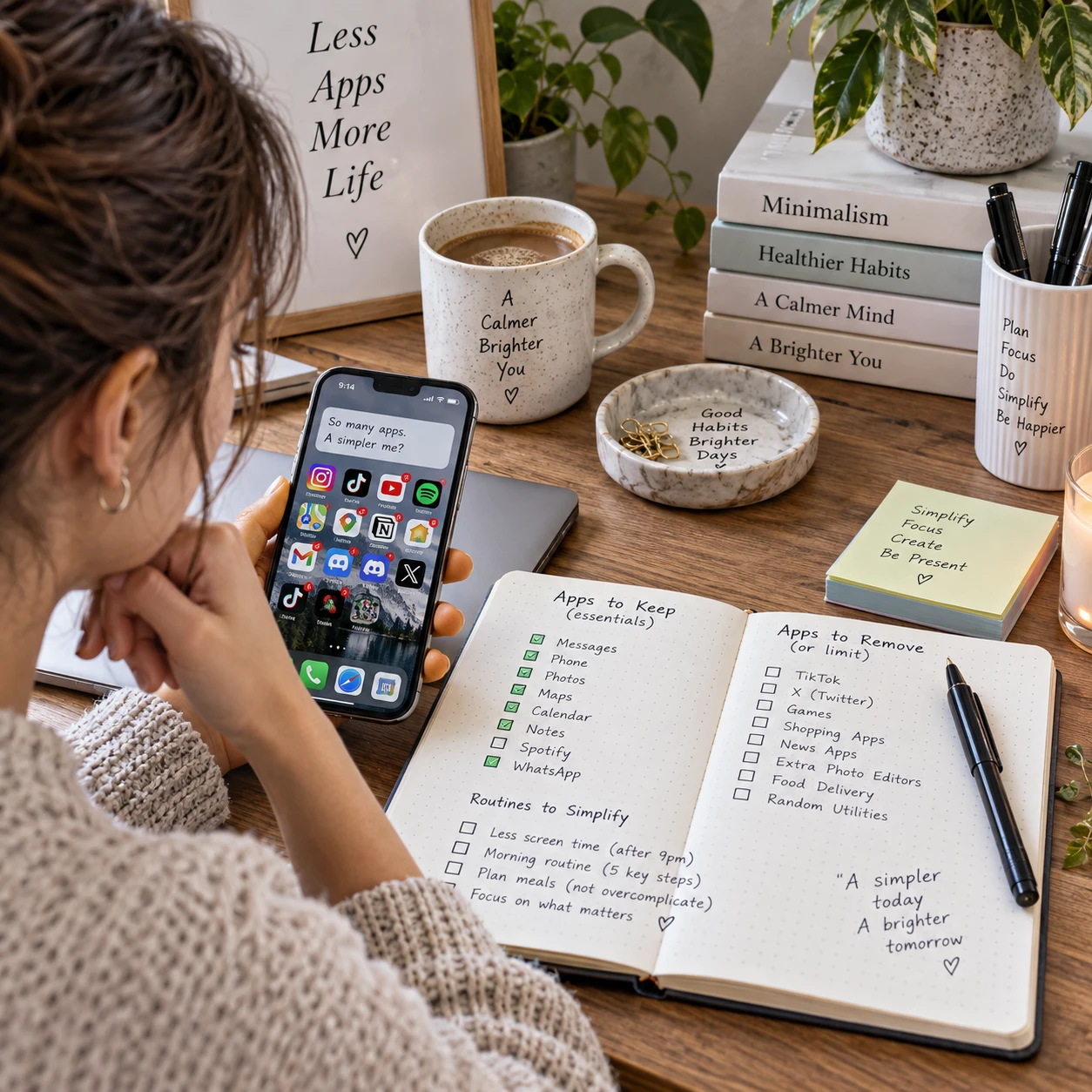
Simplifying life sounds straightforward: keep what matters, remove what does not, and make daily routines easier. In practice, change can create work before it reduces it. A personal tech project meant to streamline a routine may bring setup decisions, new notifications, and another system to maintain.
The useful question is not how to own the fewest things or use the fewest apps. It is whether a change lowers the ongoing effort of living and working. That distinction helps make room for different needs: minimalism suits some people, while others need specialized tools, varied hobbies, or a bit of redundancy.
Why simplifying life can feel harder than expected
Simplifying life can feel difficult because it asks you to change established routines while deciding what deserves your time. The benefits may arrive later, but the choices and adjustments start immediately.
Even a small project, such as consolidating calendars or reducing phone alerts, involves several questions: Which tool should stay? What happens to old data? Will other people still be able to reach you? These decisions can create decision fatigue, especially when every option seems to require research and comparison.
There is also a gap between removing visible complexity and reducing actual effort. Deleting five apps may feel satisfying, but if the remaining app requires more steps or does not fit your workflow, everyday life may become harder. A simpler setup should be measured by the friction it removes, not by how sparse it looks.
A practical test is to name the recurring problem before choosing a solution. For example: “I miss appointment reminders because they are split across three calendars” points to a specific issue. “I need a better productivity system” is broad enough to invite an endless tool search.
Letting go of digital and physical clutter
Letting go of digital and physical clutter is challenging because each item or file carries uncertainty: you may need it later, lose useful information, or regret the choice. Small, reversible decisions are easier than one sweeping purge.
Digital clutter includes old downloads, duplicate photos, unused accounts, saved links, abandoned project files, and apps that still demand attention. Physical clutter can create the same burden. In both cases, sorting requires attention, and deciding what to keep can feel like a responsibility in itself.
Try a three-part filter: use, value, and cost. Do you use it? Does it preserve something genuinely important? What does keeping it cost in space, attention, subscriptions, or maintenance? A tax document may be rarely opened but still worth retaining. An app you have not used in months may deserve a trial removal instead.
For uncertain digital items, archive before deleting. Move old files into a dated folder, export important data, or turn off an app’s notifications before removing it. Set a review date, such as 30 days later. If you have not needed the item and can still access what matters, you can make a more confident decision.
The trade-off is that keeping everything “just in case” also has a cost: backups grow, searches get noisier, and unused accounts may retain personal data. Simplification does not require deleting every trace. It does require knowing what you are preserving and why.
When tools meant to help create more work
Apps, automation, and personal technology simplify life only when the effort they remove exceeds the effort they add. Setup, troubleshooting, notifications, and upkeep can turn a helpful tool into another job.
A personal tech project might combine a smart-home routine, a custom script, or a task-management app. Each can solve a real problem, but each introduces dependencies. An automation can fail after a software update; a new app may require account setup and permissions; a custom tool may need regular fixes. This is the maintenance burden behind many apparently simple systems.
Before building or adopting a tool, write down what it should replace and how you will tell whether it works. If a script saves two minutes a week but takes an hour to debug each month, it is not reducing effort. For a frequently repeated task, automation may pay off. For a rare exception, a manual step may be simpler.
Use a small pilot rather than migrating your entire routine. Test one calendar, one room, or one recurring task for a week. Keep a fallback method while you test it. Then ask: Did this reduce steps? Did it create new alerts? Would I still want to maintain it six months from now?
Automation is a trade-off: it can reduce repetitive work while making a process less transparent or more dependent on a device, service, or connection. If you cannot explain what happens when it fails, add a manual fallback or reconsider the automation.
The emotional costs of changing habits
Simplification can feel emotionally uncomfortable because objects and routines often represent memories, identity, security, or possibility. Changing a habit can also mean accepting that a familiar way of doing things no longer fits.
Attachment is not limited to sentimental possessions. A collection of apps may represent a hoped-for project, while an elaborate planning system can feel like proof that you are being organized. Letting go may bring relief, but it can also surface disappointment about money spent or plans that did not happen.
Fear of missing out adds another layer. Turning off notifications or leaving a group chat may raise concerns about missing an invitation, work update, or important news. Rather than choosing between constant access and total disconnection, create a rule: allow calls from key contacts, check non-urgent messages at set times, and keep alerts only for genuinely time-sensitive events.
Habit change also takes repetition. A new routine may feel slower at first because the old one is familiar. Avoid treating that early discomfort as proof the change has failed. Give a small adjustment a defined trial period, then judge it on outcomes: fewer interruptions, less searching, or less time spent maintaining your setup.
Balancing simplicity with convenience and control
Simplicity involves balancing convenience, control, privacy, and flexibility; improving one can make another harder. A single integrated service may be easy to use, while a more private or customizable setup may take extra configuration.
For example, a cloud-based assistant can connect calendars, reminders, and smart-home devices in one place. That convenience may depend on sharing data with a provider and trusting its account security, retention policies, and continued availability. A local tool can offer more control over data privacy, but it may require more technical skill and hands-on maintenance.
Choose based on the sensitivity of the data and your tolerance for upkeep. A public shopping list may be fine in a shared cloud account. Personal records or sensitive notes may call for stronger access controls, local storage, or a carefully chosen provider. Check permissions, account recovery options, export features, and whether you can leave without losing essential information.
Flexibility matters too. A system that works perfectly for one person may be awkward for a household that shares devices or needs different accessibility settings. In that case, a little duplication can be simpler than forcing everyone into one rigid workflow. Convenience is useful when it remains dependable; control is valuable when you can sustain the extra work it requires.
Making simplification sustainable
Make simplification sustainable by changing one recurring source of friction at a time, testing the result, and keeping only changes that reduce ongoing effort. A gradual process limits disruption and gives you evidence before you commit.
- Notice the friction. For a week, record repeated annoyances: searching for files, dismissing alerts, duplicating calendar entries, or resetting a device.
- Pick one small change. Choose a problem with a clear boundary, such as muting nonessential notifications or removing one unused app.
- Set a measure and a review date. Decide what improvement would look like: fewer interruptions, fewer steps, or less time spent on upkeep. Review after one or two weeks.
- Keep a fallback. Save an export, retain a manual process, or document how to undo the change. Reversibility lowers the cost of experimentation.
- Keep, adjust, or roll back. If the change helps, make it part of your routine. If it creates new work, revise it or restore the old setup.
This approach works for physical decluttering as well as personal technology. You might first archive a folder rather than delete it, or test a simpler evening routine before changing your whole schedule. The aim is not to win a minimalism contest. It is to find a reliable balance between fewer demands and enough convenience, choice, and control for your actual life.
Do not simplify everything at once. Large changes make it hard to tell which adjustment helped, and they leave little room to recover when something important stops working. A modest improvement that lasts is often more valuable than a dramatic reset you have to rebuild a month later.
Common questions about simplifying life
Why can decluttering feel stressful? Decluttering requires repeated decisions and can bring up memories, worries about waste, or concern that you will need an item later. Start with low-stakes categories and use an archive or trial period for uncertain choices.
Can technology make life simpler? Yes, when it removes recurring effort without adding more setup, alerts, privacy concerns, or maintenance than you can manage. Test tools on a small task before moving your whole routine.
How do I avoid replacing one complicated system with another? Define the problem first, set a limit on research and setup, and measure the tool against the routine it replaces. If it adds steps without a clear benefit, do not keep it just because you built it.
Should I simplify everything at once? Usually not. Make one reversible change, observe its effect, and then decide what to do next. That pace protects important routines and makes the results easier to understand.